在工作中有时候会写一些定时执行任务的工具,定时器Timer也经常会使用到,今天写篇博文记录一下Timer的具体用法实例,希望能给新入门的同行提供一些帮助。
代码实例:
using System;
using System.Collections.Generic;
using System.IO;
using System.Linq;
using System.Net;
using System.Text;
using System.Threading.Tasks;
using System.Timers;

namespace GetTiNumber
{
    class Program
    {
        static void Main(string[] args)
        {
            Timer aTimer = new Timer();
            aTimer.Elapsed += new ElapsedEventHandler(GetData);
            aTimer.Interval = 120000;//毫秒
            aTimer.Enabled = true;
            Console.WriteLine("---------任务已开始执行(2M)----------");
            Console.WriteLine("-------------------------------------");
            Console.ReadKey();
        }

        public static void GetData(object source, ElapsedEventArgs e)
        {
            Console.WriteLine(dateTime.ToString("yyyy-MM-dd HH:mm:ss") + " | 执行成功");
            Console.WriteLine("-------------------------------------");
        }

    }
}
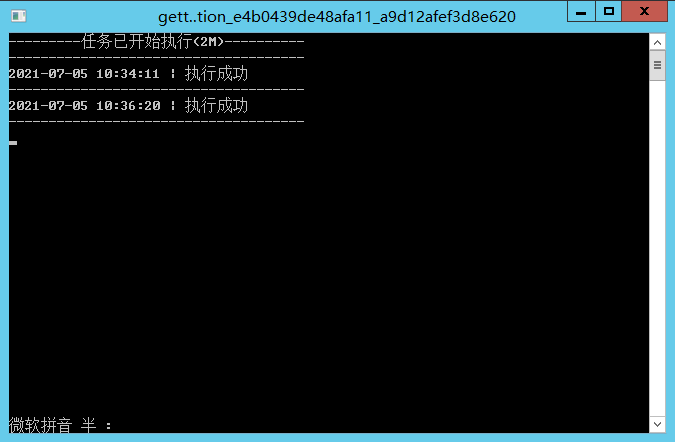
放一张我自己写的定时控制台程序的截图,我设置的是2分钟执行一次,你们根据自己的需求设置Interval的参数即可,单位为毫秒: